

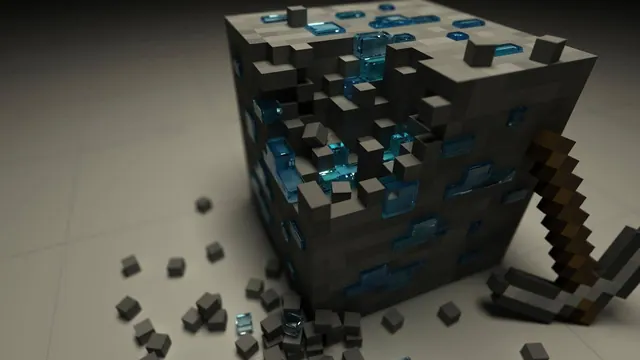
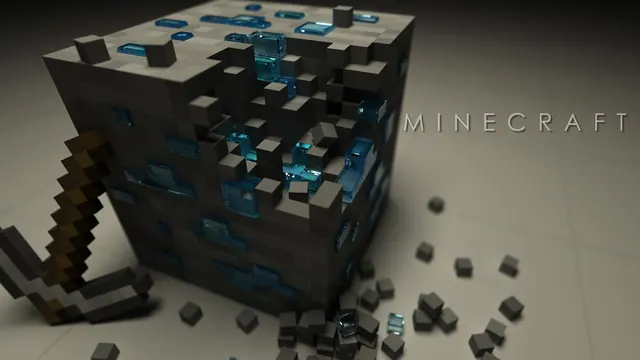
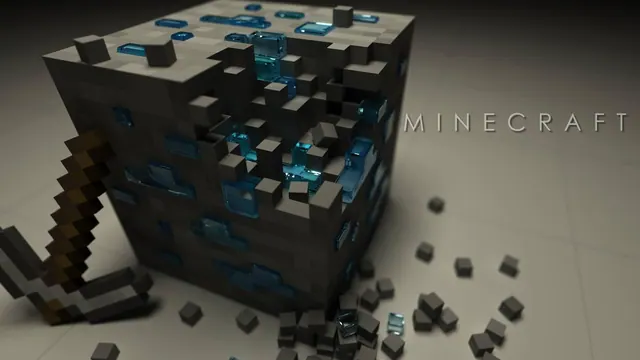
A stunning 3D render of a Minecraft diamond ore block being mined with a pickaxe.
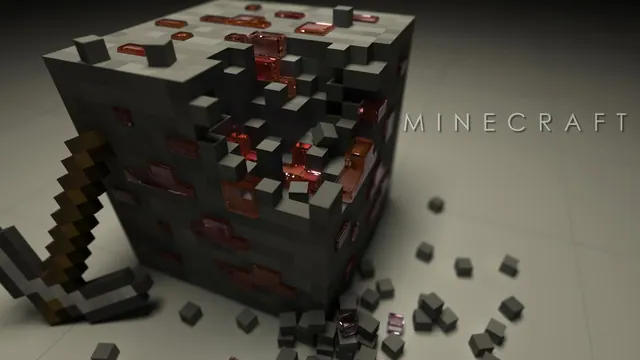
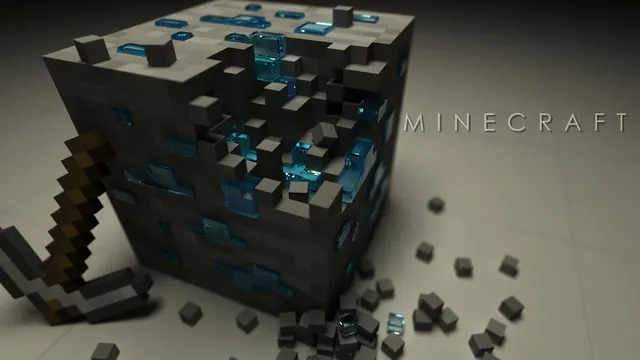
This moody scene isn't an in-game screenshot, but a Blender 3D render depicting a classic Java Edition moment: a pickaxe striking a single block of diamond ore. The focus is entirely on the block and item, stripping away any surrounding cave biome to highlight the rough stone surfaces and recessed cyan gems. If you want to recreate a close-up like this in-game without external software, you will need a high-resolution POM resource pack paired with ray-traced shaders to simulate the physical depth and shadows of the chiselled rock.
The source file measures 1920 x 1200 pixels, giving it a native 16:10 aspect ratio that fits productivity monitors and modern laptops cleanly. It does not reach 4K resolution, so users with ultra-high-definition displays will notice some softness if it is stretched. For standard widescreen desktop setups, we provide a 1920x1080 crop, alongside smaller 1280x720 and 854x480 options for older displays, and a vertical 480x854 cut for very small mobile screens.
Because the close-up texture fills the entire frame, there are no calm areas for desktop icons or phone clock widgets to sit without visual clutter. You will get the cleanest result by hiding your desktop shortcuts entirely or relying on an auto-hiding taskbar. The colour palette is dominated by muted, earthy stone greys (#8f8c7b, #6f6e61) and deep cave shadows (#141511, #20231f). Switching your operating system to a dark system theme with a warm grey or muted slate accent colour will tie your window borders directly into the shadowy background.
Best used as: Use the native 1920x1200 file for a 16:10 laptop display, or pick the 1920x1080 crop for a standard 1080p desktop monitor with your desktop icons hidden.
Wallpapers that share the most with this one




More block & item wallpapers


More blender / 3d render wallpapers



Wallpapers in the same colour family




More desktop wallpapers











