

A grand Minecraft cathedral interior glowing with green stained glass, emerald blocks, and dark pillars, accompanied by a cat and flying parrot.
This Minecraft interior features a grand cathedral hall constructed primarily from deep-hued stone and emerald blocks. The lighting relies on the filtered glow of green stained glass, casting a moody, low-light atmosphere throughout the nave. Within this build, you will find a domestic cat and a parrot mid-flight, addinglife to the architecture. The scene uses vanilla blocks consistent with 1.14 Village & Pillage assets and followsa gothic fantasy design philosophy. Because the source file is 1920 x 1080 pixels, this wallpaper is strictly limited to 1080p resolution and will not provide crisp detail on 4Kmonitors.
Regarding usability, the composition is highly detailed with no significant empty negative space, meaning your desktop icons orphone clock will inevitably sit over parts of the structure or the creatures. If you are using a desktop, the 1920x1080 or 1280x720 options are best suited for standard displays, while mobileusers can choose between 480x854 or 854x480. The darkcolour palette, dominated by deep olive (#202716) and forest greens (#3e632f), pairs best witha dark operating system theme or a muted foliage-green accent colour.
To recreate this in your own survival orcreative world, focus on layering dark materials like deepslate or stone bricks to create depth in your pillars. Construct tall,vaulted ceilings to give the hall its cathedral scale, and place emerald blocks in recessed patterns to create natural light sources behind stained glass. Use irontrapdoors or slabs to create ornate floor detailing, and ensure your interior is sufficiently dimmed to allow the green light to dominatethe space. Following this dark-lit aesthetic will help you maintain the intended mood of the hall.
Best used as: For a standard desktop monitor, download the 1920x1080 version to ensure the imagefills your screen without scaling artifacts.
Wallpapers that share the most with this one


More interior wallpapers
More fantasy wallpapers


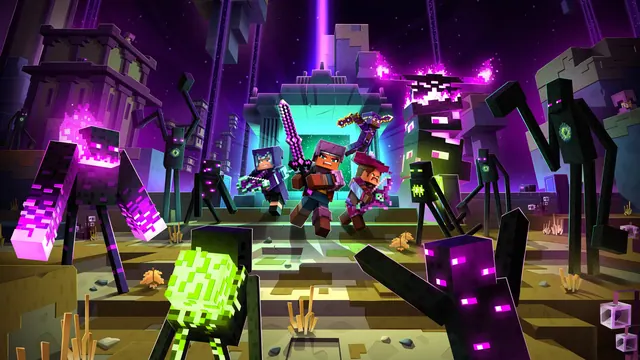
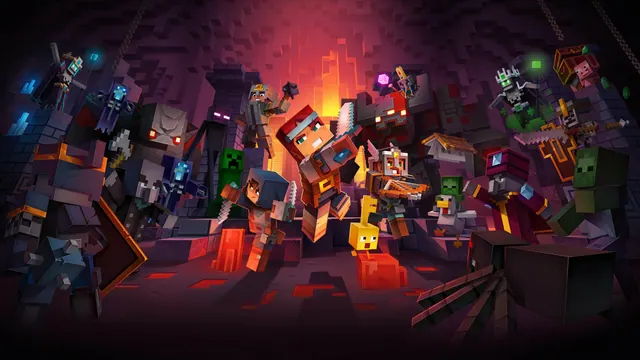
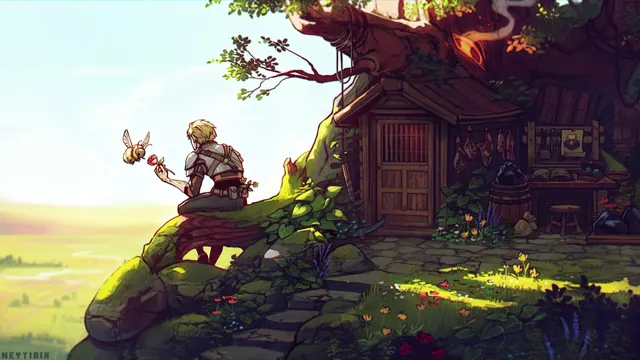
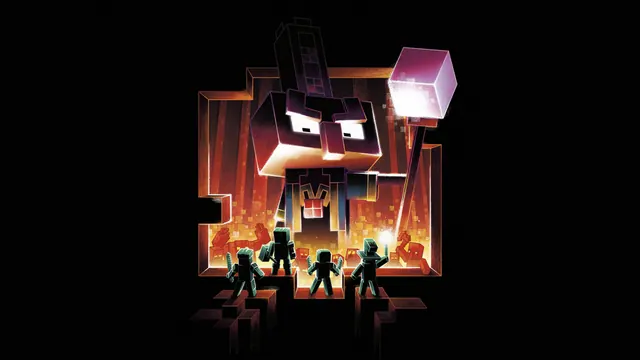

Wallpapers in the same colour family




More desktop wallpapers











