

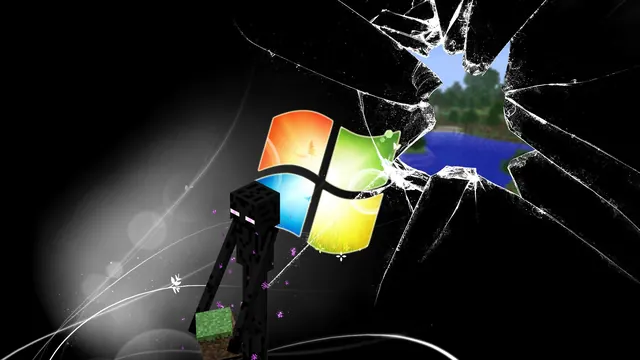
An Enderman holding a grass block stands before a classic Windows logo with shattered glass revealing a Minecraft world behind.
This fan art places a standard Enderman clutching a grass block right in front of a shattered Windows logo, with a classic vanilla forest biome visible through the cracks. The textures clearly belong to the 1.7 to 1.12 era, before the later texture updates softened the harsh edges of the grass and foliage. Because the composition mixes dark foreground elements with a fractured background and glass shards, there are no calm areas anywhere on the canvas. Desktop icons or a phone clock will inevitably clash with the jagged glass or the mob itself, so this image works best on a clean setup where you hide your desktop shortcuts or use an auto-hiding taskbar.
The colour story is overwhelmingly dark, anchored by pure `#000000` black and near-black `#010101` and `#111113` tones, which makes it ideal for late-night gaming sessions without straining your eyes. A muted, stony grey (`#7a7d73`) comes through from the shattered glass and background lighting. To make your operating system match, pair a dark system theme with `#7a7d73` as your accent colour for window borders and menus. Recreating a similar scene in-game requires no mods: load up a version like 1.12.2, build a massive vertical wall of black concrete in front of a forest biome, punch a jagged hole in the centre, and summon a NoAI Enderman holding a grass block on the darkened side.
Before downloading, note that the resolution tops out below 4K, so it will need upscaling on ultra-high-definition monitors. The original file is a 16:10 image at 2560x1600 pixels, though the pre-cropped download options focus on standard 16:9 widescreen displays at 2560x1440, 1920x1080, 1280x720, and 854x480. If you want to use it on an older phone, vertical 720x1280 and 480x854 crops are available, which slice out the sides of the room to keep the Enderman centred.
Best used as: Pick the 2560x1440 or 1920x1080 crop for a standard widescreen desktop monitor with hidden icons, or grab the 2560x1600 source file if you use a 16:10 laptop.
Wallpapers that share the most with this one


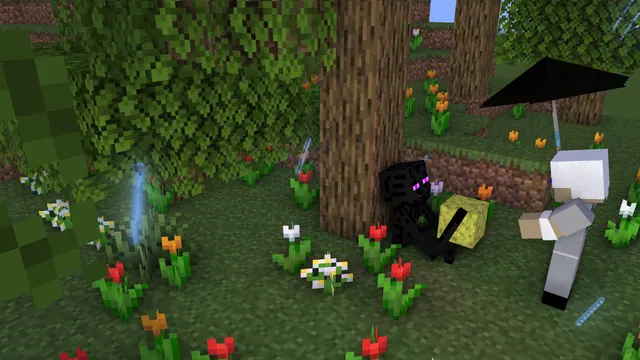


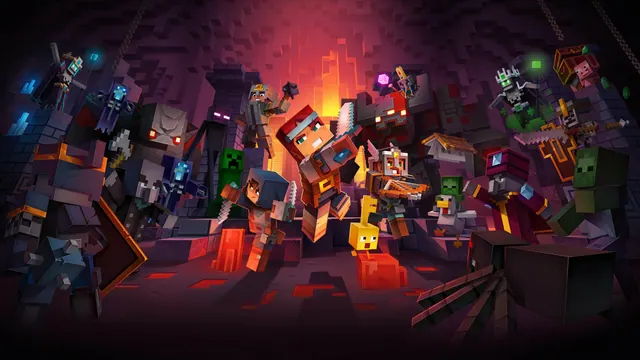
More mob wallpapers
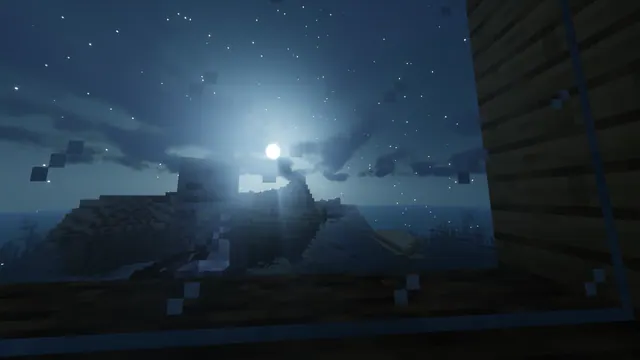
More forest wallpapers

Wallpapers in the same colour family



More desktop wallpapers











