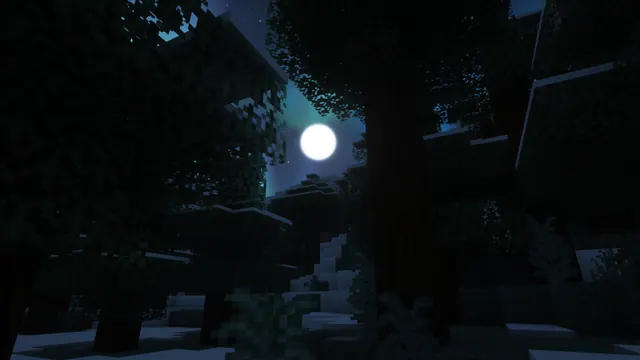
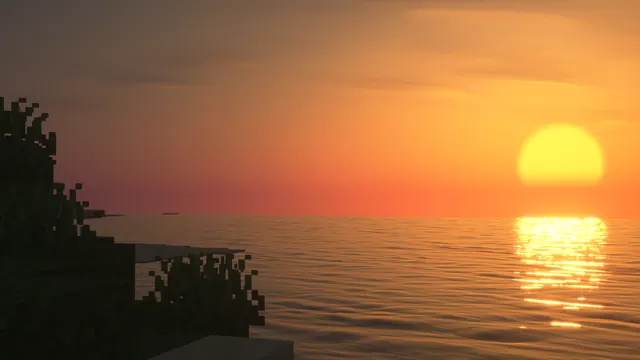
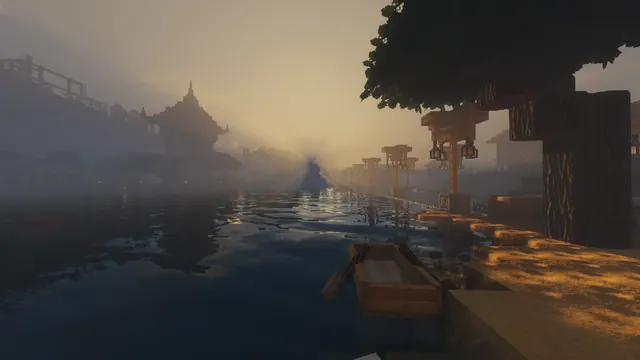
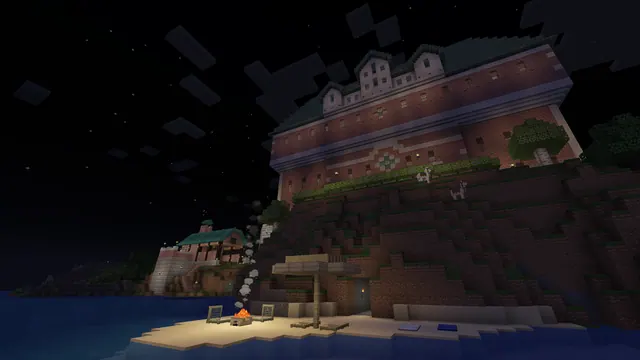
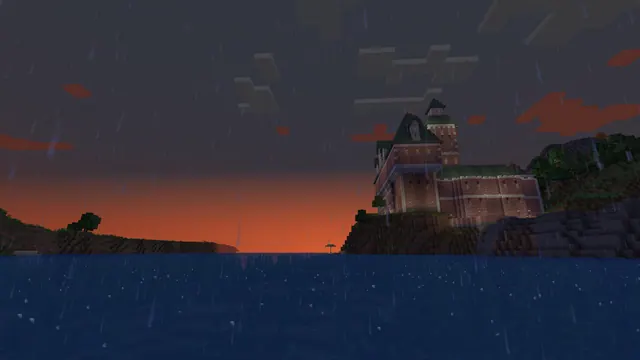
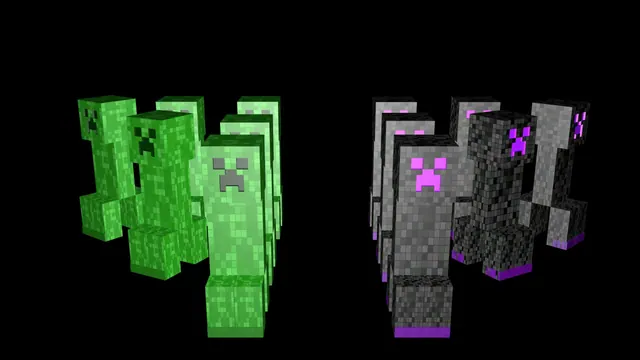
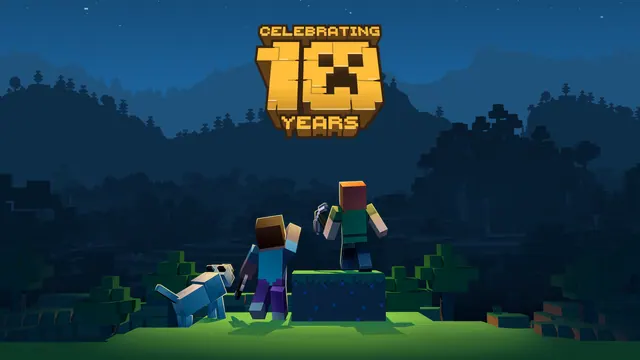
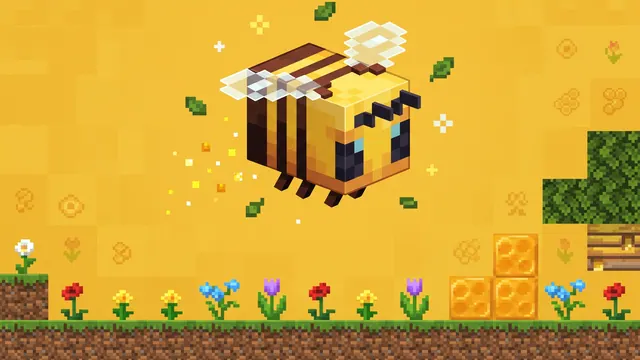
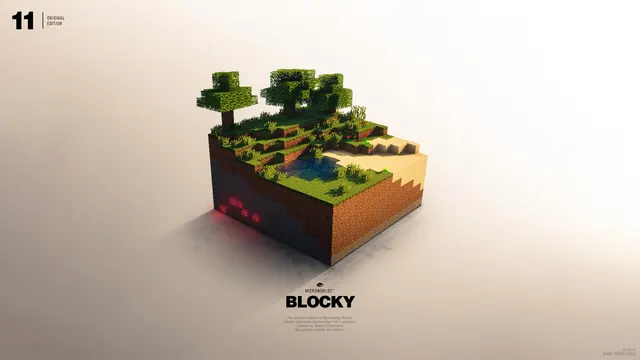
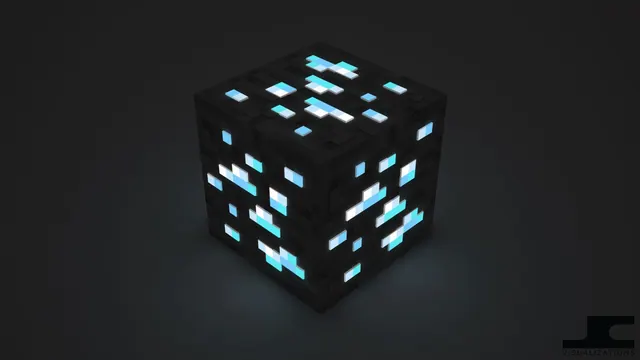
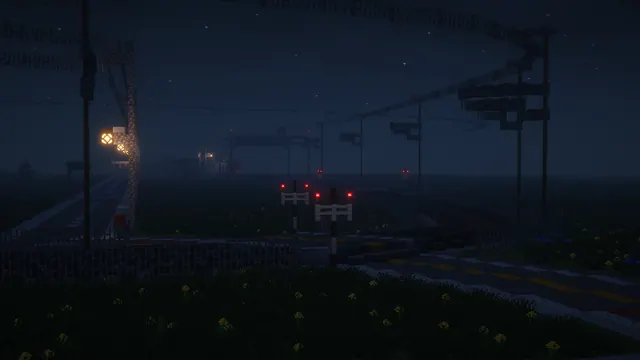
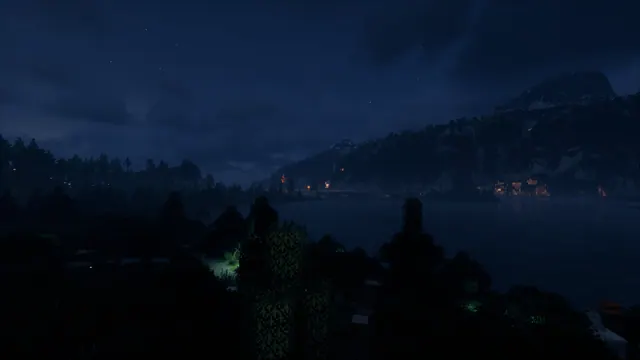
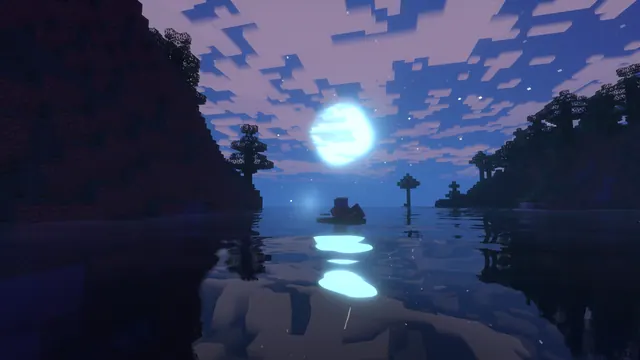
Browse Minecraft wallpapers with a clear left side, keeping your desktop icons readable over calm oceans or night skies while builds sit on the right.
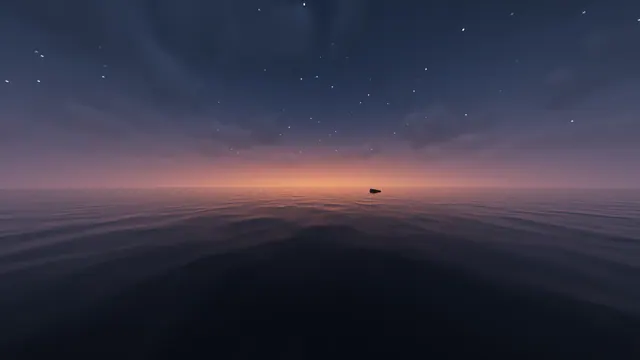
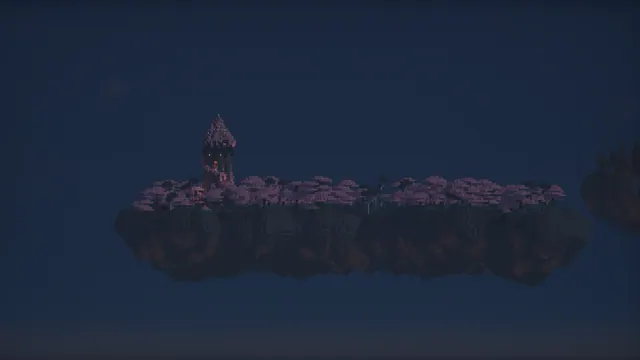
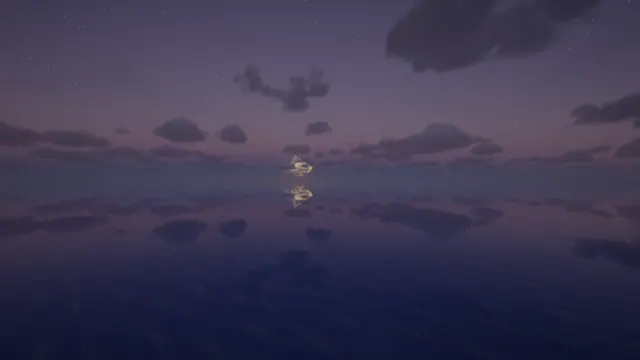
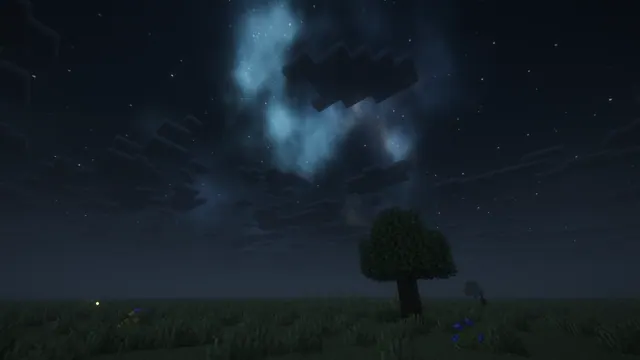
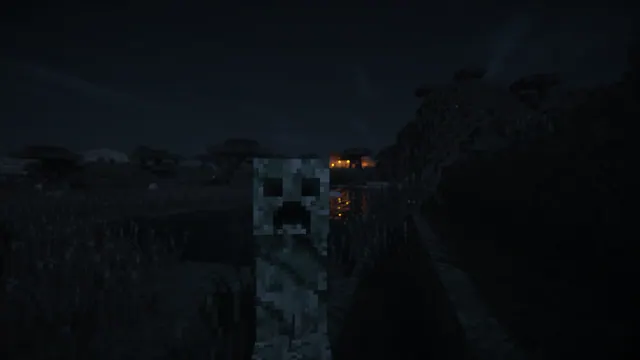
Default operating systems stack your files, shortcuts and folders along the left edge of the screen, which quickly ruins a busy background. These wallpapers solve that problem by keeping the left-hand side free for desktop icons and shifting the actual Minecraft builds to the right. Instead of burying a Detailed Villager Trading Hall or a Wandering Trader under your Recycle Bin, the left third of these frames features uncluttered expanses of Midnight ocean water, smooth deepslate walls, or flat plains biomes. The visual weight sits squarely on the right: think End Cities rising against the void, sprawling cherry grove rooflines, or a lone Warden emerging from the sculk.
This asymmetric layout suits players and workspace organisers who keep a heavy grid of applications on their primary monitor or left-aligned widgets on their phone. Because many of these shots use shader packs to cast directional sunlight or soul lantern glow from right to left, the empty space stays dark and readable. Pair these backgrounds with clean, white-labelled desktop shortcuts or a translucent taskbar so your daily tools stay legible without obscuring the cobblestone and spruce details on the opposite side.