

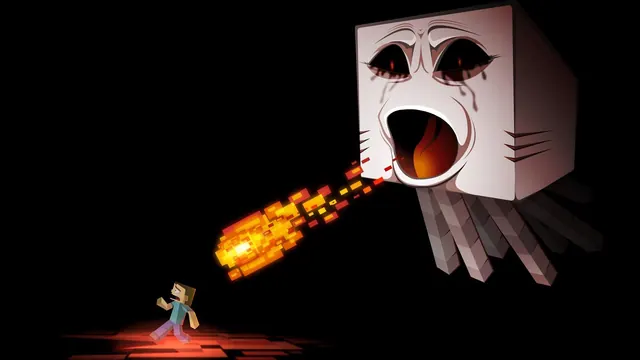
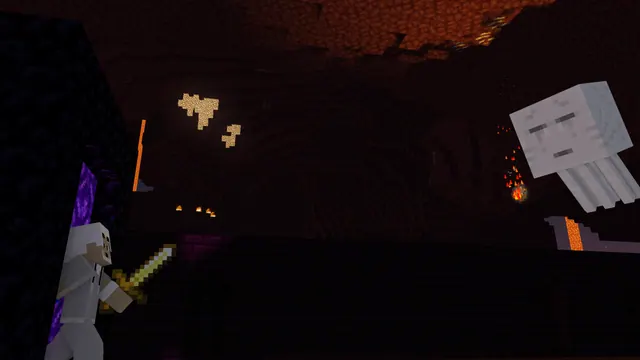
Fan art of a crying ghast firing a pixelated fireball at a terrified Steve.
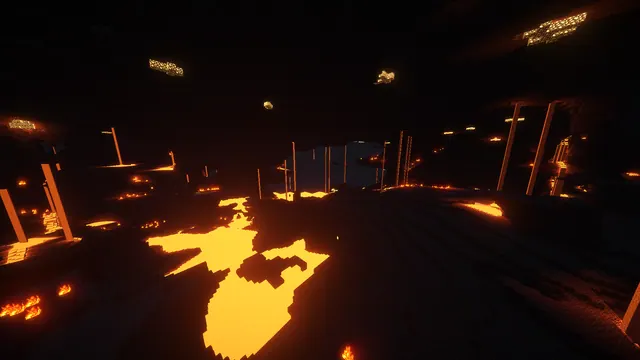
This fan art captures a classic survival moment in the Nether Wastes: a crying Ghast launching a pixelated fireball directly at a terrified Steve. The scene relies on heavy shadows rather than bright lava lakes, reflecting the oppressive fog and dim ambient lighting of the dimension before the 1.16 Nether Update added brighter biomes. The palette is dominated by pitch black (#000000), near-black (#050001), and a deep, burnt crimson (#2b1311) that suggests surrounding Netherrack in the gloom. A muted tan (#b08c79) highlights the incoming projectile and the character's skin. Because the overall mood is distinctly dark, pairing this wallpaper with an OS dark mode and a muted terracotta accent colour (#b08c79) will prevent your taskbar and window borders from clashing with the artwork.
The source file measures 1920 x 1200 pixels for 16:10 monitors, which is a standard widescreen resolution well below 4K. If you use a larger display, the image will need upscaling, though it remains crisp on standard laptops and older office monitors. Additional downloads are available for 16:9 screens at 1920x1080, 1280x720, and 854x480, alongside a vertical 480x854 cut for smaller mobile devices. The composition leaves medium copy space, with calm areas along the top, bottom, and right side of the frame. You should move your desktop shortcuts to the right edge, or rely on the clear top margin to keep a mobile lock-screen clock legible.
To recreate a scene like this in-game, head into a standard Nether Wastes biome and build a small exposed ledge out of Netherrack. Turn your brightness setting down to 'Moody' to replicate the deep #000000 and #2b1311 shadows in the background. For a controlled screenshot without dying, summon an stationary Ghast using commands or trap one in a minecart out of frame, then switch to survival mode briefly to trigger the fireball attack.
Best used as: Use the 1920x1200 source file on a 16:10 laptop display, or pick the 1920x1080 crop for a standard HD desktop monitor and align your icons to the right edge.
Wallpapers that share the most with this one





More mob wallpapers
More the nether wallpapers


Wallpapers in the same colour family




More desktop wallpapers











