

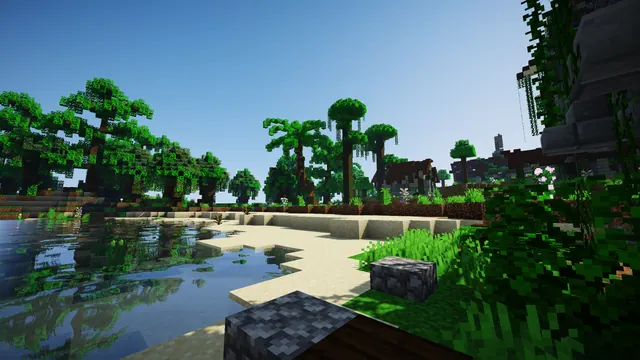
Tall jungle trees covered in vines reach toward a clear blue sky above lush green grass in this vibrant Minecraft landscape.
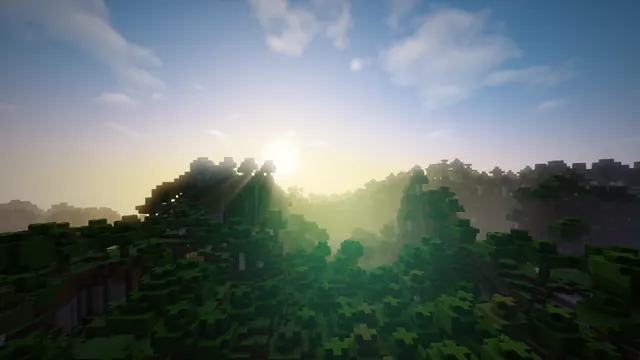
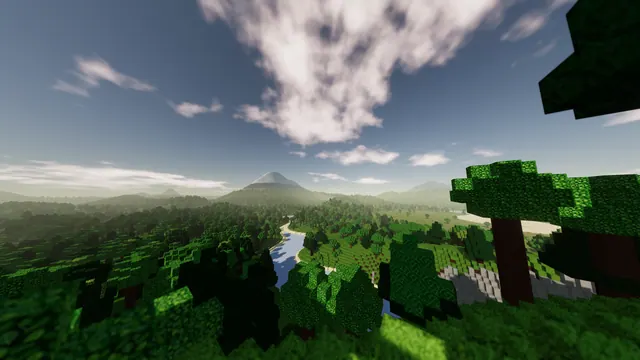
This natural landscape captures a classic Jungle biome rendered using the original textures from Minecraft versions 1.7 to 1.12. Tall 2x2 jungle trees draped in vines reach up toward a clear blue sky, rising from a floor of saturated green grass blocks. Because it is a pure Vanilla in-game screenshot without shaders or custom builds, the lighting relies entirely on standard smooth lighting and the heavy shadows cast by the dense canopy. To recreate this scene yourself, load up a pre-1.14 client, generate a default world until you locate a hilly Jungle biome, and angle your camera slightly upwards from the forest floor with the HUD hidden via F1.
Despite the patches of summer sky and bright #45ad30 grass, the overall mood is dark. The frame is dominated by deep forest greens (#0c4004 and #0c2803) in the shadowed foliage, balanced by a muted #358b74 teal tone. This palette pairs best with a dark system theme on Windows or macOS, using #358b74 or #45ad30 as your operating system's accent colour for window borders and highlights. Because the rough, pre-Jappa leaf and vine textures cover the entire image, there are no calm areas for desktop icons or a phone clock to sit cleanly; you will want to hide your desktop shortcuts or enable a solid background shadow on your lock screen text for legibility.
The native source file measures 3840x2160 pixels in a 16:9 aspect ratio, providing a sharp, uncompressed fit for 4K desktop monitors. For standard setups, scaled-down landscape options are available at 2560x1440, 1920x1080, 1280x720, and 854x480. If you want this dense canopy on a vertical display or mobile device, there are pre-cut portrait versions at 1080x1920, 720x1280, and 480x854.
Best used as: Download the native 3840x2160 file for 4K widescreen monitors, or pick the 1080x1920 vertical crop for a standard smartphone lock screen.
Wallpapers that share the most with this one


More landscape wallpapers




More jungle wallpapers
Wallpapers in the same colour family



More desktop wallpapers









