

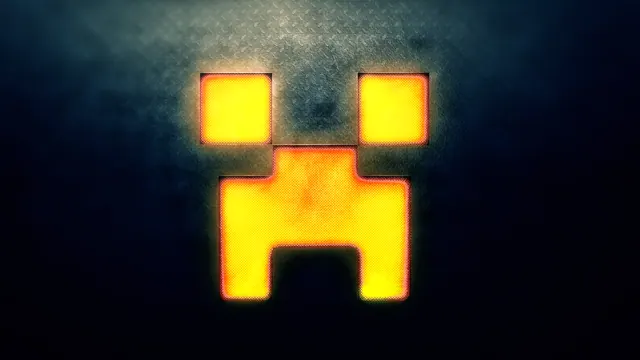
A striking 3D render featuring a glowing orange Creeper face cut into a dark metallic texture.
This Blender 3D render translates the classic Creeper emblem into a heavy, industrial relief. In Minecraft terms, the surface resembles a wall of polished blackstone or dark netherite blocks, carved out to reveal a recessed core of glowing lava or shroomlights. The lighting behaves much like a modern Java Edition setup running ray-tracing shaders in a pitch-black cave biome, where the warm light bleeds sharply across the bevelled metallic edges. To recreate a motif like this in-game, you would need to build at a massive scale in version 1.16 or later, layering blackstone stairs and slabs in front of a solid magma block backdrop, then viewing it from a distance with a high-contrast shader pack.
The source image measures 1920 x 1200 pixels, giving it a native 16:10 aspect ratio that fits productivity monitors and modern laptops without stretching. Because the maximum resolution sits well below 4K, this wallpaper is best suited to standard HD displays rather than ultra-high-density panels. Beyond the native source, the available download crops are 1920x1080, 1280x720, and 854x480 for standard widescreen setups, alongside a vertical 480x854 cut for older or smaller mobile screens.
The composition leaves calm areas along the right and bottom, providing unobstructed dark metal where desktop icons, widgets, or a phone lock-screen clock remain completely legible. Its palette is overwhelmingly nocturnal, anchored by near-black navy tones (#01020e and #030718) and muted slate (#213037). The glowing emblem introduces a warm ochre accent (#bdab3f) that breaks up the shadows. For a cohesive desktop environment, pair this background with a dark system theme and set your operating system’s accent colour to amber or muted gold to match the internal glow.
Best used as: Use the native 1920 x 1200 file for 16:10 laptops, or pick the 1920x1080 crop for standard HD desktop monitors and keep your desktop icons aligned to the right or bottom edges.
Wallpapers that share the most with this one




More logo / typography wallpapers


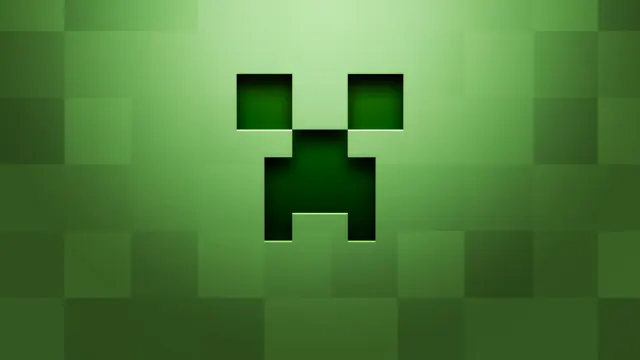
More creeper wallpapers



Wallpapers in the same colour family



More desktop wallpapers










