

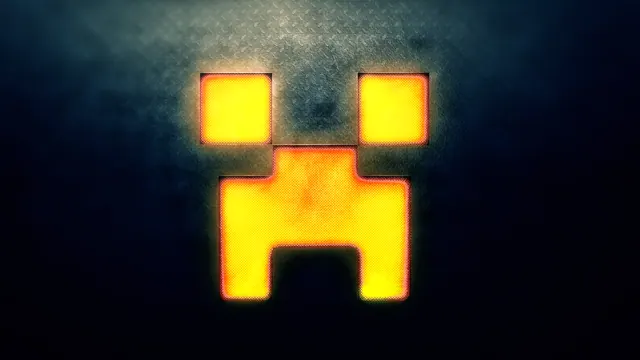
A high quality 3D render showing a bright glowing yellow Creeper face cut into a dark metallic background.
This 3D Blender render treats the classic Creeper motif as heavy industrial architecture rather than a mob. Instead of standard wool or concrete, the emblem looks as though it has been carved out of netherite blocks or dark deepslate tiles, revealing a molten core of glowstone or froglights beneath. To build a similar monument in vanilla survival (any version from 1.17 onwards for the deepslate palette), you would recess a wall of yellow stained glass over a backing of shroomlights, framing the cutout with polished blackstone to mimic the bevelled metallic edges. In Java Edition, adding a complementary shader pack with emissive light textures will replicate the intense bloom spilling across the dark surface.
The source image measures 1920 x 1200 pixels (a 16:10 aspect ratio), which is below 4K resolution, so it will look sharpest on standard 1080p monitors or 16:10 laptop displays rather than large ultra-high-definition screens. Available downloads include 1920x1080 and 1280x720 for standard widescreens, alongside 854x480 and a vertical 480x854 crop for smaller secondary displays or older mobile devices. Because the glowing face is positioned slightly off-centre, the right side and bottom edge remain quiet, giving you clear, low-contrast space to arrange desktop folders, system widgets, or a taskbar without blocking the bright focal point.
Its palette is dominated by near-black navy tones (`#01020e` and `#030718`) and muted slate grey (`#213037`), making it a natural fit for a dark mode operating system theme. For your system accent colour, pick a warm gold that matches the `#bbab40` highlight of the Creeper's eyes, which will tie your window borders and active icons directly into the wallpaper's lighting.
Best used as: Use the 1920x1200 source file for 16:10 laptops, or grab the 1920x1080 crop for standard desktop monitors and keep your desktop icons aligned to the right.
Wallpapers that share the most with this one




More logo / typography wallpapers


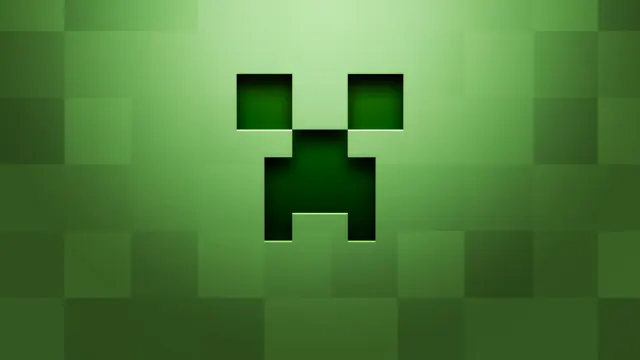
More creeper wallpapers



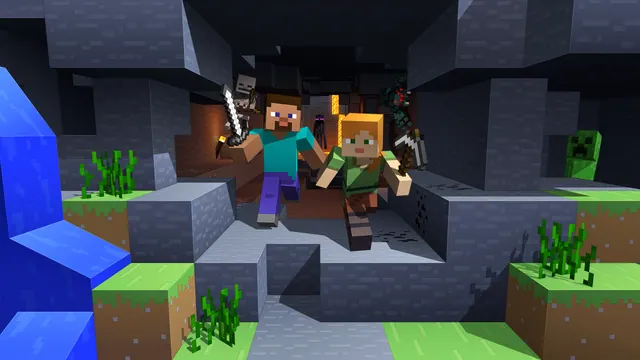
Wallpapers in the same colour family



More desktop wallpapers










