

Bright desktop monitors cast a cool glow across a row of desks inside a dimly lit modern Minecraft computer room.
This interior shot captures a row of modern computer desks inside a darkened room, built entirely using vanilla Bedrock Edition blocks and enhanced with a shader pack. Because it is a closed interior build, the outside biome does not affect the lighting. Instead, the scene relies on emissive blocks—likely sea lanterns or froglights tucked behind paintings, banners, or trapdoors—to mimic the cool glow of desktop monitors casting light across dark grey concrete and smooth quartz desks. To recreate this in your own world, enclose a windowless room in blackstone or deep slate, place stair blocks as chairs, and use a render-dragon compatible shader to get that soft light spill across the floor.
The original capture is a massive 5324x2396 pixels, which matches a 21:9 ultrawide aspect ratio, whilst the standard downloads are pre-cropped for 16:9 monitors at 3840x2160 (4K), 2560x1440, 1920x1080, 1280x720, and 854x480. Whether you use the 4K file on a large desktop screen or the 1080p version on a laptop, the layout leaves medium copy space in the dark shadows. Specifically, the top and left edges are the calmest areas, giving you an uncluttered backdrop where desktop icons or rainmeter widgets will remain completely legible against the shadows without blocking the glowing monitors.
The palette is heavy on deep, muted aubergines and near-blacks, anchored by dominant hex values like #050407 and #1f1a21, alongside slightly lighter violet-greys at #2b232c and #2e2936. Because the overall mood is decidedly dark, this wallpaper pairs naturally with a dark system theme and a cool slate or muted purple accent colour (#2e2936) for your taskbar and window borders. It keeps midnight browsing easy on the eyes by preventing harsh brightness spikes when you minimise your windows.
Best used as: Download the 3840x2160 version for a standard 16:9 4K desktop monitor, and keep your desktop icons aligned to the left or top edges where the darkest shadows sit.
Wallpapers that share the most with this one




More interior wallpapers
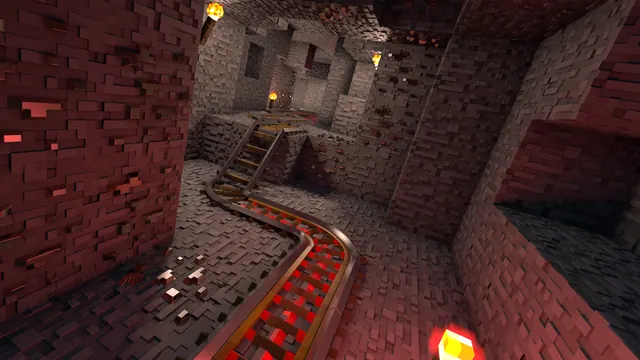
More modern wallpapers
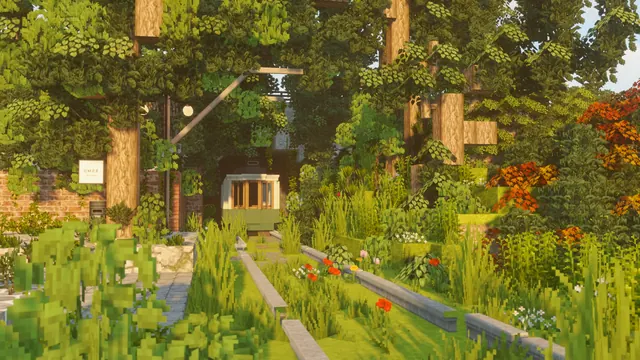
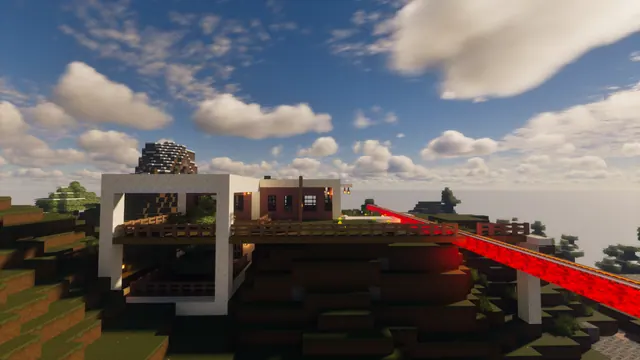



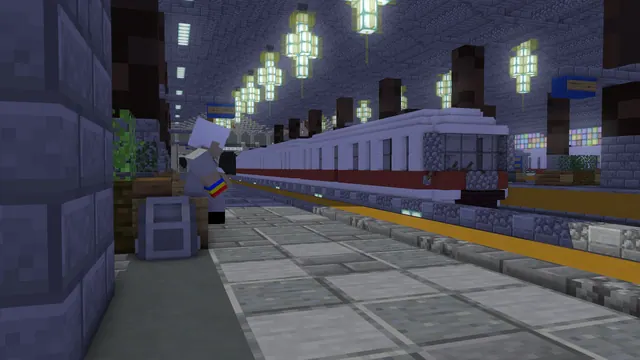

Wallpapers in the same colour family



More desktop wallpapers











