

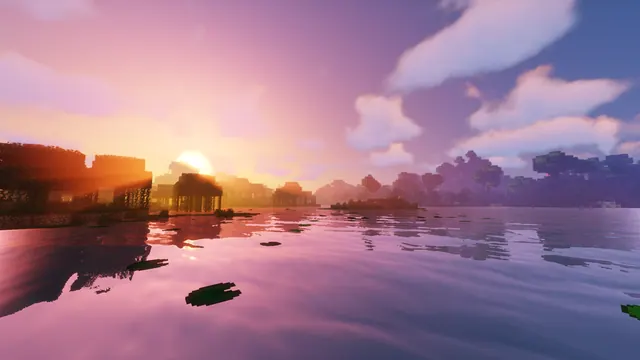
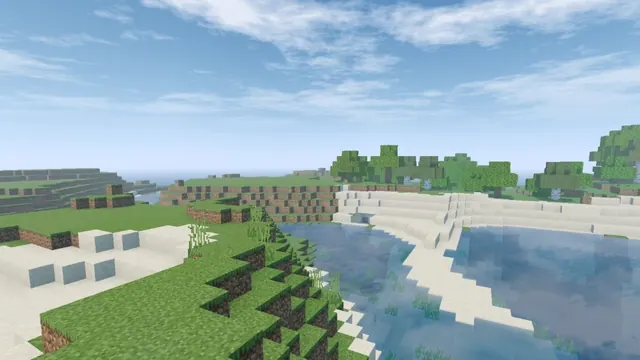
A serene Minecraft river scene at sunset with realistic shader water reflections and grassy hills.
This wallpaper captures a vanilla River biome in Java Edition, unaltered by custom builds or texture packs. The scene relies entirely on standard grass blocks, oak foliage, and untouched terrain generation, transformed by a shader pack during the in-game sunset. Instead of the default flat water textures, the shader introduces rippled reflections and long shadows across the hills, giving a familiar summer landscape a distinctly moody atmosphere. To recreate a view like this yourself, load a standard survival seed in Java Edition, install a shader via Iris or OptiFine, set the time to `/time set 12500`, and hide your HUD with F1 while facing the western horizon from a riverbank.
The source image is 1920 x 1080 pixels (16:9), which is well below 4K. It will look sharp on standard 1080p desktop monitors and laptops, and you can also download it in 1280x720 or 854x480 for older screens or lightweight setups. A vertical 480x854 crop is available, though the low resolution makes it unsuitable for modern high-density smartphone displays.
In terms of layout, the image offers medium copy space with calm areas along the left, top, and bottom, making it practical for everyday desktop use. Your application shortcuts can stay in their default columns on the left without clashing with busy foliage, while the taskbar at the bottom and rainmeter widgets at the top remain easily readable.
Despite the golden sunset in the title, the measured palette is surprisingly dark and desaturated. It is anchored by deep forest shadow (`#161e18`) and dark slate (`#272f2c`), balanced by mid-tone grey (`#5f666d`) and muted stone (`#a3a098`). Because these dark greens and greys dominate the frame, this background pairs best with a dark system theme and a muted sage or warm grey accent colour, avoiding bright neon highlights that would ruin the low-light mood.
Best used as: Use the native 1920x1080 version for a standard Full HD desktop monitor and keep your desktop icons aligned to the left.
Wallpapers that share the most with this one






More landscape wallpapers




More river wallpapers

Wallpapers in the same colour family


More desktop wallpapers








