

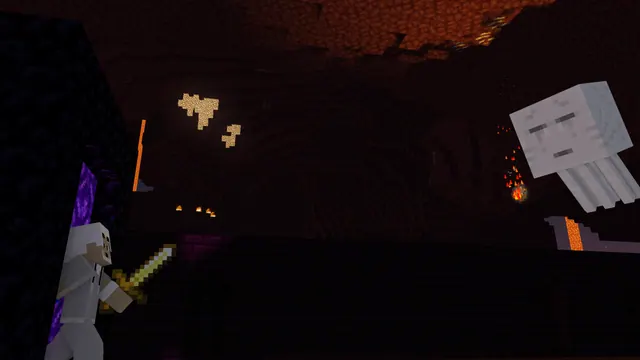
A chilling 3D render of realistic ghasts floating in the dark and fiery Minecraft nether dimension.
This Blender 3D render reimagines the Nether wastes from the Java Edition 1.16 Nether Update, replacing standard voxel blocks with organic textures. Realistic ghasts float above fiery caverns, trading their usual pixel grid for a grim, anatomical build style. The lighting relies on ambient lava glow rather than placed light blocks, casting heavy shadows across the cavern walls. Because the scene focuses on darkness and sparse detail on the left, your desktop icons and folder labels will sit comfortably along that edge without clashing with the mobs.
The colour palette is dominated by near-black crimson shades (#090101, #050100, and #110403) alongside a muted, dusty brown-red (#624944). This very dark mood makes the image easy on the eyes in a dimly lit room. To match the render, set your operating system to a dark theme and pair it with a muted terracotta accent colour (#624944) for window borders and taskbars, avoiding bright reds that would overpower the subtle shading.
The source file measures 1920 x 1079 pixels, which is well below 4K and just one pixel shy of standard 1080p. It suits 16:9 full HD desktop monitors best; scaling it up to a 1440p or 4K screen will soften the fine 3D textures. Smaller landscape downloads are available at 1280x720 and 854x480 for older laptops, alongside a 480x854 vertical crop for smaller budget phones where a dark background helps the lock-screen clock stand out.
To recreate a similar view inside Minecraft Java Edition, head to a wide Nether Wastes cavern and combine a high-resolution realistic resource pack with ray-tracing shaders to mimic the Blender lighting. Switch to Spectator mode, turn off the HUD with F1, and lower your field of view to 30 so the floating ghasts look suitably massive against the dark netherrack.
Best used as: Use the 1920 x 1079 source file for a standard 1080p desktop monitor with your icons aligned to the left, or pick the 480x854 crop for a basic vertical phone screen.
Wallpapers that share the most with this one






More mob wallpapers

More the nether wallpapers



Wallpapers in the same colour family




More desktop wallpapers











