

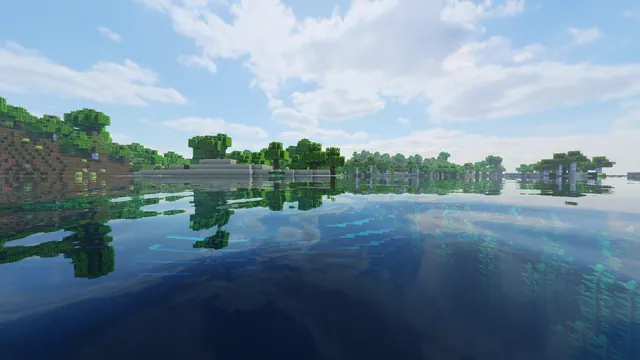
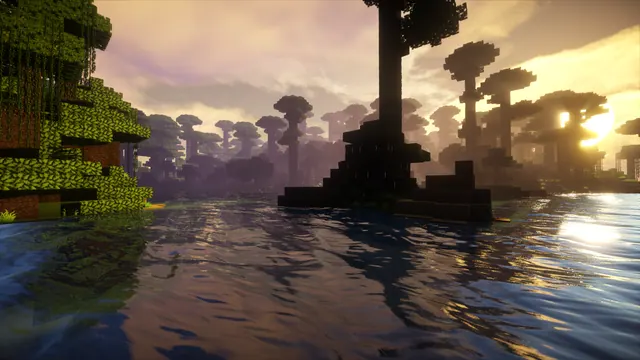
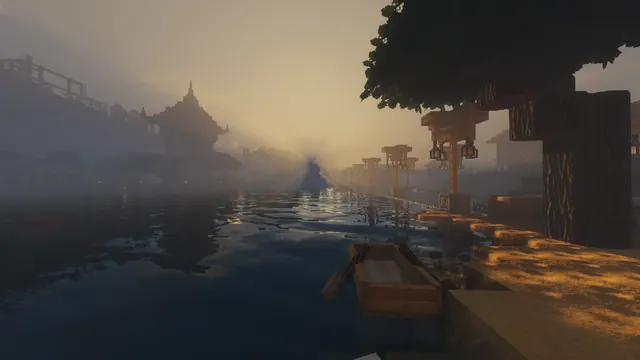
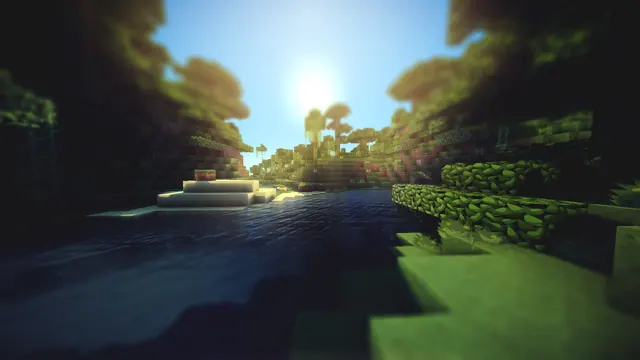
A serene Minecraft river landscape bathed in warm sunlight using immersive shaders.
This scene depicts a natural river biome captured within Minecraft Java Edition,rendered with high-fidelity shaders to enhance the ambient lighting. The composition relies on vanilla terrain generation, featuring soft, diffused sunlightfiltering through a dense treeline onto the water's surface. By utilising shader packs, the harsh default engine lighting is replaced with deep shadowsand soft gradients, resulting in a moody, atmospheric landscape that feels grounded rather than blocky.
Technically, this image is provided at a maximum resolution of 1920x1080. While thisfalls below current 4K standards, it is perfectly optimised for standard 1080p monitors. We alsoprovide smaller 1280x720, 854x480, and 480x854 crops to ensure compatibility across various devices. Because the primary visual interest is concentrated in the uppertwo-thirds of the frame, the bottom section remains calm and uncluttered, making it an ideal anchor point for your desktop icons ortaskbar without obscuring the core landscape.
The colour palette is dominated by dark, desaturated tones—specifically#17171c, #191c26, and #383d39—offset by the soft #b8d5be green of the riverbanks. If you use a custom operating system theme, pairing this with a charcoal or deep navy accent colour will maintain visual cohesion. To recreate this view in your own world, select a riverside biome, set your in-game time to just after sunrise, and apply a shader pack that prioritises realistic water reflections and volumetric fog. By lowering your field of view slightly, you can mimic this cinematic depth and capture the same serene quality in your own survivalbuild.
Best used as: Use the 1920x1080 version for standard desktop monitors, placing your icons along the bottom edge where the design is least distracting.
Wallpapers that share the most with this one






More landscape wallpapers




More river wallpapers

Wallpapers in the same colour family




More desktop wallpapers








