

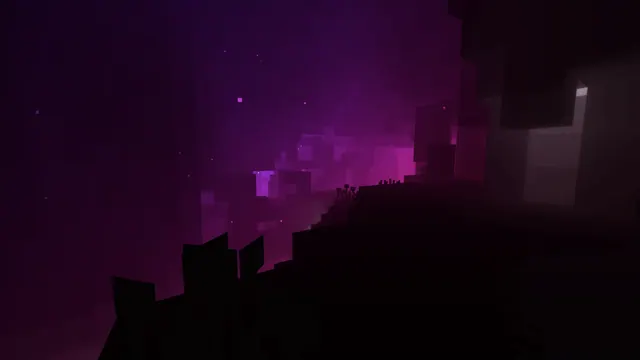
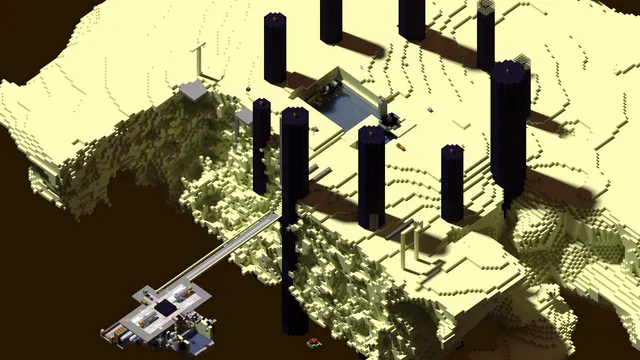
A clean, wide-angle view of the End dimension featuring obsidian pillars and end crystals in the void.
This image captures the End dimension in its purest form.It features a wide-angle, static perspective of obsidian pillars topped with end crystals, set against the void. As a vanilla JavaEdition scene, it avoids artificial edits, relying on the natural, low-light atmosphere of the biome. Because the source fileis 1920 x 991 pixels, it is not a 4K image, butit fits perfectly on standard 1080p monitors where it avoids upscaling artifacts. The composition is deliberately sparse, providing consistent calm areas at the top, bottom, left, and right, which ensures your desktop icons or system notificationsremain legible without cluttering the focal points.
The colour palette is intentionally restrained, dominated by dark, desaturated tonessuch as #0e0a13 and #161417. These deep shades act as a natural darkmode for your workspace, reducing screen glare in low-light environments. To complement this, a monochromatic or slate-grey system accent colour will blend seamlessly with the aesthetic, reinforcing the quiet, void-like nature of the wallpaper. For those looking to mirrorthis on other devices, the available download sizes are 1280x720, 854x480, and 480x854, which cater specifically to smaller displays and mobile ratios.
Recreating this in-game requires a clear view of the central island. You can achieve this by using a spectator mode camerato find a low-angle position that aligns the obsidian pillars with the horizon. By clearing away excess end stone and adjusting yourrender distance to emphasise the depth of the void, you can replicate this minimalist geometry. The key is to maintain a high-contrastlighting balance between the glow of the end crystals and the near-black background, which helps maintain the clean visual hierarchyseen in this capture.
Best used as: Use the 1280x720download for a standard desktop monitor, or the 480x854 file if you prefer to crop itfor a vertical mobile display.
Wallpapers that share the most with this one






More landscape wallpapers




More the end wallpapers


Wallpapers in the same colour family






More desktop wallpapers








