
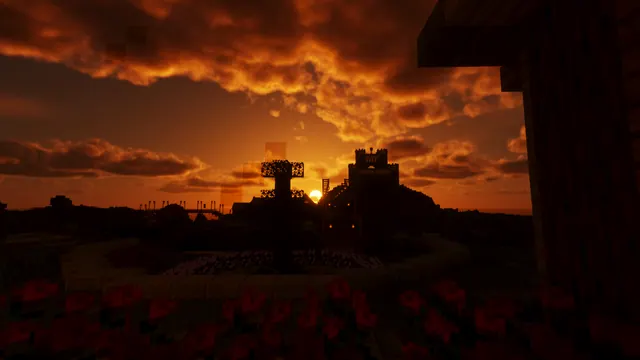
A dramatic orange sunset illuminates dark clouds behind the silhouette of a hilltop Minecraft castle and foreground garden.
This desktop background captures a dramatic orange sunset illuminating heavy dark clouds, casting the silhouette of a hilltop castle and foreground garden into stark relief. Built within the Plains biome for the Java Edition, the structure relies on classic architectural silhouettes rather than intricate block detailing, all rendered through the lens of a vanilla-compatible shader pack that enhances the natural lighting without altering fundamental block textures. The overall mood is dark and moody, dominated by deep earth tones and near-black shadows.
Technically, the source image measures 1920 x 1080 pixels, meaning it tops out at Full HD rather than 4K. For downloads, you have four exact sizes available: 1920x1080 and 1280x720 for landscape displays, alongside 854x480 and a vertical 480x854 crop for mobile screens. Because the composition keeps the central architecture compact, you will find generous calm areas for your interface: desktop icons sit comfortably on the left, right, and lower portions of the screen without obscuring the sunset.
The palette is anchored by four measured hex codes—deep rust brown (#964513), dark chocolate (#3b1607), near-black espresso (#080100), and charcoal black (#0d0100). These warm, low-light tones pair naturally with dark system themes, particularly burnt orange, copper, or deep charcoal UI accents on Windows, macOS, or Linux.
Recreating this scene in your own single-player world is straightforward. Find a flat-topped Plains hill, build a defensive fortification using basic stone or deepslate variants to ensure a strong outline, and lay out a simple tiered garden in the foreground. Wait for golden hour, position your camera facing west against the horizon, and enable a performance-friendly shader pack that introduces atmospheric cloud shadows and warm horizon gradients.
Best used as: Choose the 1920x1080 resolution for standard desktop monitors, leaving the left, right, and lower areas free for your application icons.








