
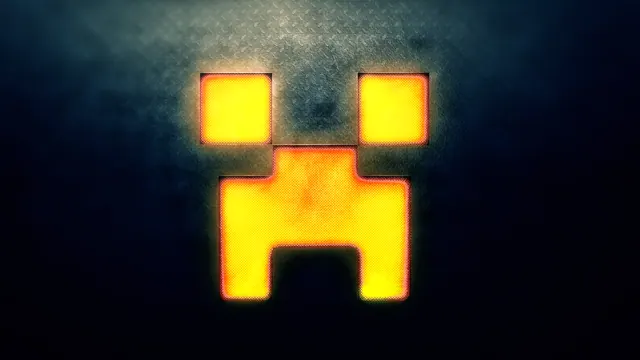
A glowing yellow and orange Minecraft Creeper face carved into a dark, textured metallic surface.
This fan art piece reimagines the iconic Minecraft mob as a heavy industrial build, carving the classic Creeper face into a dark, textured metallic surface. Illuminated from within by a molten yellow and orange glow, the design looks less like blocky pixel art and more like a custom Netherite vault door or a heavy machinery panel forged in a survival world's deepest automated iron factory. The lighting is harsh and direct, catching the brushed edges of the dark plates while casting a warm amber reflection outwards, perfectly capturing the volatile energy of a mob about to detonate.
The source image measures 1920x1080 pixels, meaning it sits firmly in standard 1080p territory rather than modern 4K resolutions. Available downloads include 1920x1080 and 1280x720 for widescreen desktop displays, alongside 854x480 and the vertical 480x854 resolution for mobile devices. When applying this to your desktop, the right side and the lower area provide the calmest visual space, keeping your application shortcuts and desktop icons clear of the glowing orange focal point. The dominant dark palette ranges from deep near-black voids (#01010a and #010413) through muted steel-blue undertones (#15242f) to weathered bronze highlights (#776f5a). This makes it an ideal pairing for dark-mode operating systems, especially when paired with a burnt orange or amber system accent colour.
Recreating a similar aesthetic in vanilla or modded Minecraft requires careful attention to lighting and texture. To build a physical version, you could use dark-hued blocks like Deepslate Tiles or Netherite Blocks for the metallic plating, set against hidden Redstone Lamps or Shroomlight blocks embedded behind tinted glass to generate that intense internal glow. For the ultimate effect, build your facade underground or inside a deepslate bunker, using smooth lighting and resource packs that add metallic normal maps to give the walls that rugged, industrial finish.
Best used as: Select the 1920x1080 download for standard widescreen desktop monitors, keeping your taskbar at the bottom and icons aligned to the right.








