
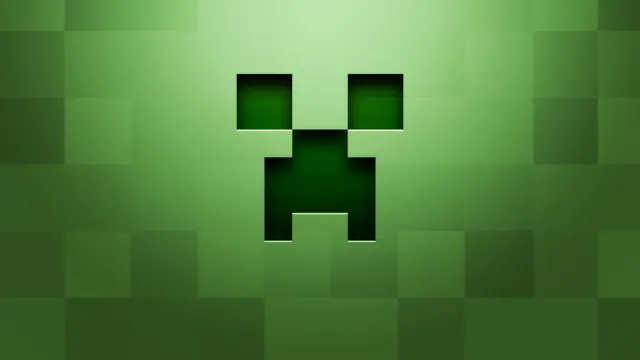
A clean minimalist background featuring the iconic green pixelated face of a Minecraft Creeper with subtle 3D shading.
This clean fan art wallpaper presents the iconic green pixelated face of a Minecraft Creeper against a minimalist dark backdrop, finished with subtle 3D shading that gives the classic mob a modern, tactile edge. Built in a digital art style rather than an in-game biome, it strips away the usual noise of leaves and stone to focus purely on the legendary hostiles that have haunted survival mode since the classic alpha versions. The overall mood is vibrant yet uncluttered, making it a straightforward choice for anyone wanting a clean gaming setup without visual clutter.
Supplied at a source size of 1920 x 1200 pixels, this image is geared towards standard desktop displays and laptops. It is worth noting plainly that the largest available download is below 4K resolution, so ultra-wide or high-PPI monitors may show some softness. Alongside the native 1920x1200 file, exact downloads are also provided in 1920x1080, 1280x720, 854x480, and 480x854. Because the central Creeper motif leaves generous calm areas on the left, right, top, and bottom, you can arrange desktop icons or mobile clocks across the edges without obscuring the main design.
The colour palette is built from deep greens ranging from dark forest tones like #264918 and #386125 up to brighter highlights of #548c3f and #7eb967. These earthy shades pair naturally with a dark mode desktop theme or an olive accent colour in your operating system settings. To recreate a physical build like this inside Minecraft, you would need to construct a massive pixel-art wall using coloured wool, terracotta, or concrete blocks, illuminated evenly by hidden glowstone to avoid harsh shadows and capture that flat graphic aesthetic.
If you want to try building the face yourself, gather lime green and dark green concrete blocks on a flat creative world server. Map out a standard 16x16 grid for the classic sprite proportions, mapping the iconic black eyes and frown using black wool or obsidian. Position a camera at a straight-on orthographic angle, turn off smooth lighting in your video settings, and you will capture the exact blocky silhouette featured in this artwork.
Best used as: Select the 1920x1080 download for standard widescreen monitors, utilising the clear spaces on the left and right for your desktop shortcuts.








