
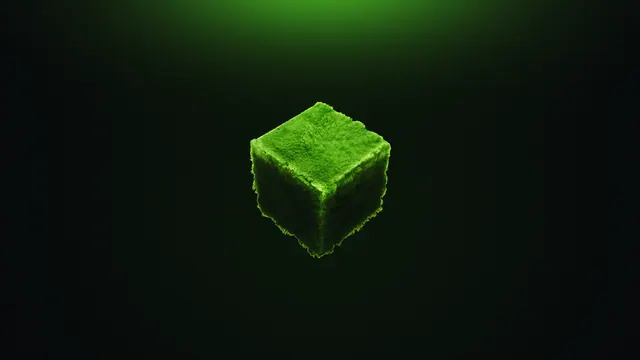
A minimalist 3D render featuring a single realistic mossy green cube floating against a dark green background.
This Blender 3D render isolates a single realistic moss block suspended in the Void. Rather than showing a sprawling Lush Caves biome, the focus is entirely on the high-resolution, fibrous texture of the green cube, lit softly from above to cast a gentle shadow down its front faces. Although the moss block arrived in the Minecraft 1.17 Caves & Cliffs update, this out-of-game render strips away the usual pixelated grid in favour of a tactile, organic finish floating against an empty backdrop.
Because the cube sits dead centre, the image leaves vast calm areas along the top, bottom, left, and right edges. Desktop users can stack folders on either flank or dock a taskbar at the bottom without touching the subject, while a mobile lock-screen clock sits cleanly in the upper space. The native file is a 16:9 4K image at 3840x2160 pixels, with direct downscales for 2560x1440, 1920x1080, 1280x720, and 854x480 monitors. Portrait crops at 1080x1920, 720x1280, and 480x854 are also available for phones, keeping the block centred.
The colour story is heavily muted, making it an easy match for a dark system theme that saves your eyes during late-night sessions. The background blends near-black forest tones—specifically #070b0b, #090f0b, and #0a120b—while the shaded side of the block registers at a deep #0d190c. Set your operating system accent colour to a muted sage green or charcoal grey so window borders blend into the void. To recreate a similar shot inside Minecraft without external rendering software, place a single moss block high in The End away from the main island, apply a high-resolution PBR resource pack with continuum shaders, and set your field of view to 30 for a flat, isometric-style perspective.
Best used as: Use the native 3840x2160 file for a 4K desktop monitor with dark mode enabled, or pick the 1080x1920 portrait crop to frame the block neatly beneath a mobile lock-screen clock.








