
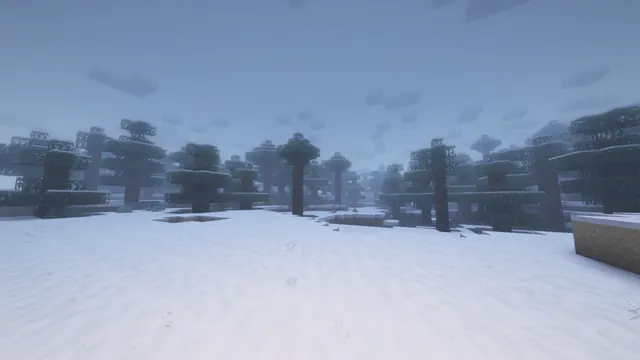
A serene and foggy snowy taiga forest in Minecraft, captured with atmospheric shaders under a pale winter sky.
This desktop background captures a serene and foggy snowy taiga forest in Minecraft, featuring tall spruce trees blanketed in snow under a pale winter sky. Captured in Java Edition using atmospheric shaders, the scene relies entirely on vanilla world generation rather than player-made structures, creating a quiet, moody wilderness where the dense fog softens the horizon.
The source image measures 1920x1080 pixels, meaning it does not reach modern 4K resolutions. Available download sizes include 1920x1080, 1280x720, 854x480, and 480x854, making it well-suited for standard 1080p and 720p desktop displays, as well as vertical mobile screens using the narrower resolutions.
Practical placement is straightforward thanks to calm visual areas located at the top, bottom, and left of the frame, which leave plenty of space for desktop shortcuts or mobile clock widgets without obscuring the main forest details. The cool colour palette—dominated by muted blue-greys (#758eb2 and #4c5b71) alongside pale frost tones (#c5cddf and #d7d8e4)—pairs naturally with dark mode operating system themes and slate-grey UI accents.
Recreating a similar view in your own game requires locating a snowy taiga biome during a snowfall or foggy weather cycle. Installing a subtle performance shader will help generate the atmospheric mist and soft lighting that defines the mood of this particular landscape.
Best used as: Select the 1920x1080 download for a standard desktop monitor, positioning your application icons along the top or bottom edges to keep the central taiga forest clear.








