
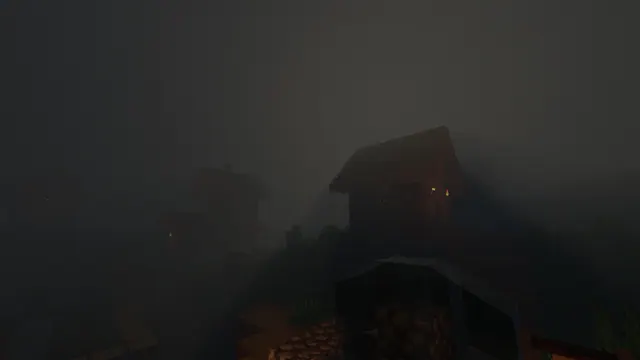
A spooky Minecraft village shrouded in thick dark fog with faint torchlight glowing from wooden houses.
This desktop wallpaper depicts a classic Plains village from the 1.14 Village and Pillage update, rendered in Java Edition using custom shaders. The scene is dominated by traditional wooden and cobblestone houses wrapped in a dense, dark fog that reduces visibility to just a few blocks. Faint orange torchlight flickers from doorways, cutting through the heavy gloom to give the settlement an eerie, atmospheric quality that fits well for a seasonal Halloween backdrop or a permanent moody desktop. The source image measures exactly 1920x1080 pixels, meaning it lacks the pixel density for 4K displays but remains a crisp, standard choice for high-definition monitors.
The colour palette is exceptionally muted, built entirely around dark charcoal greys, deep blacks and muted stone tones, specifically registering around hex codes #202020, #2c2d2c, #111110 and #363633. This dark colour story pairs naturally with dark system themes and deep grey or burnt orange accent colours. Because the fog creates large areas of uniform tone across the top, bottom, and both sides, desktop icons will sit comfortably without clashing against complex textures, leaving the central village architecture as the clear focal point.
Recreating a view like this in your own single-player world requires a few specific steps. You will need a Plains biome village, heavy atmospheric shaders that support volumetric fog, and a weather command set to rain or thunder to thicken the haze. Lower your render distance slightly in the video settings to force the fog closer to the buildings, then place sparse torches along the dirt paths to capture that same isolated, shadowy glow.
Best used as: Select the 1920x1080 resolution for standard desktop monitors, placing your system icons on the left or right edges where the fog provides a clean backdrop.








