
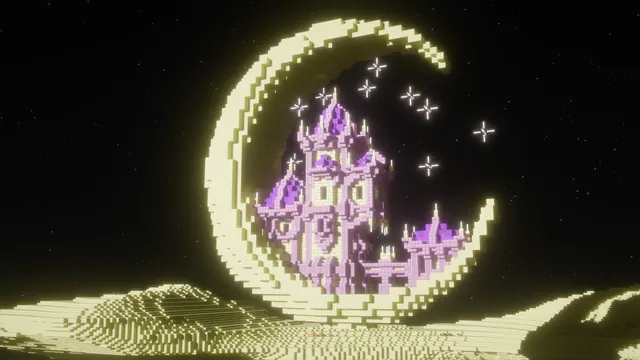
A glowing purple fantasy castle nestled inside a giant crescent moon sculpture in the End dimension under a starry night sky.
Built in Java Edition using a vanilla block palette, this fantasy build seats a glowing purpur castle inside the curve of a giant crescent moon sculpture. The structure floats in the End dimension, where a custom shader pack replaces the standard static void with a starry night sky and casts warm light across the pale End stone of the moon. To recreate a scene like this in-game, you can generate the outer crescent with WorldEdit spheres made of End stone and bone blocks, then construct the inner towers from purpur pillars and end rods before enabling a shader with custom skyboxes.
While the castle itself provides a purple focal point, the image’s measured palette is grounded in deep void blacks (#050505 and #15130d) alongside the warm beige and earthy browns of the illuminated moon (#c9c0a1 and #4a412d). Because the overall mood is dark, this wallpaper pairs naturally with a dark system theme. You can set your OS accent colour to warm sand (#c9c0a1) to match the crescent’s lit edge, or choose a muted plum that echoes the purpur roofs without clashing with the beige stone.
The native source is a true 4K capture at 3840x2160, making it sharp on large 16:9 desktop monitors, with direct step-downs available at 2560x1440, 1920x1080, 1280x720, and 854x480. Vertical crops at 1080x1920, 720x1280, and 480x854 are also provided for mobile screens. However, because the detailed moon sculpture and dense starfield fill the frame, there are no calm areas where icons or text sit well. Desktop users should hide their desktop icons or rely on an auto-hiding dock, and phone users may want to apply a slight lock-screen blur so the clock remains legible against the high-contrast brickwork.
Best used as: Download the native 3840x2160 version for a 16:9 desktop monitor with hidden icons, or use the 1080x1920 vertical crop for a phone screen with a bold clock font.








