
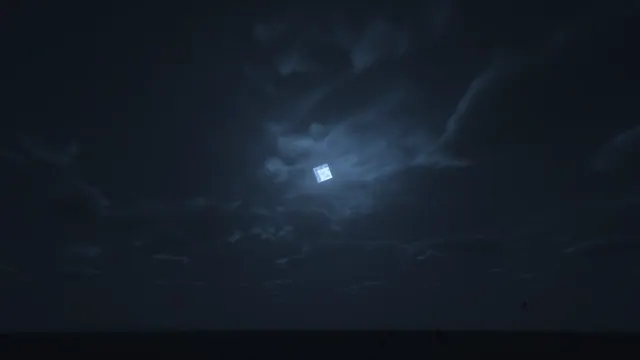
A minimalist Minecraft night sky featuring the glowing square moon surrounded by realistic volumetric shader clouds.
This minimalist Java Edition scene captures a dark night sky where the iconic square moon glows behind thick, realistic volumetric shader clouds. There are no distracting builds, terrain features, or mobs in the frame—just an atmospheric composition focused purely on vanilla lighting mechanics enhanced by modern graphics modifications. The colour palette is built from deep midnight tones, specifically dominant shades ranging from #10171f to #202d3c, creating a heavy, muted dark mood that is easy on the eyes during late-night desktop sessions.
The source file measures 1920x1080 pixels at a standard 16:9 widescreen ratio. Available download sizes are strictly limited to 1920x1080, 1280x720, 854x480, and 480x854, meaning there is no native 4K option available here, so high-density desktop monitors will need to upscale the 1080p source. Because the composition relies on smooth gradients and soft cloud edges rather than sharp focal points, calm areas for desktop icons exist across the left, right, centre, top, and bottom regions without cluttering the glowing lunar source.
To recreate this view in your own single-player world, load up Minecraft Java Edition with a performance-friendly shader pack that supports volumetric cloud rendering, such as Iris with Complementary or Photon shaders. Position your camera straight up toward the zenith during midnight, disable HUD elements using F1, and wait for a weather cycle where dense cloud layers partially obscure the default square moon texture.
Pairing this wallpaper with a dark system theme like Windows dark mode or a minimalist Linux desktop environment works best. Charcoal grey, slate blue, or muted cyan accent colours will complement the cool navy hues of the sky background nicely.
Best used as: Select the 1920x1080 download size for standard 16:9 desktop monitors, keeping your app icons arranged along the flexible left, right, or bottom regions.








