
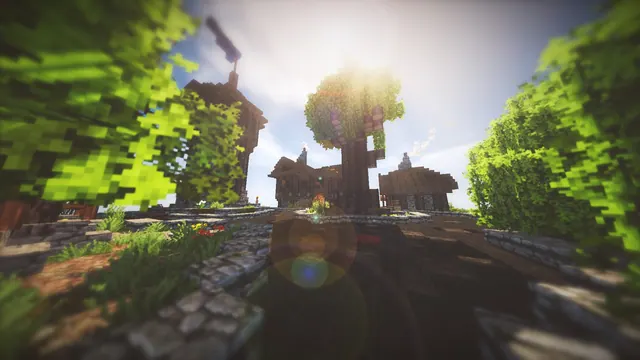
A bright medieval Minecraft village square featuring a central tree, watchtower, and rustic wooden houses enhanced with warm shaders and lens flare.
This Java Edition desktop background captures a rustic medieval village square set within the Plains biome. Built in a classic European style, the scene features timber-framed houses, a central village tree, and a stone watchtower, all elevated by warm custom shaders that cast a gentle lens flare across the timber rooftops. Despite the use of atmospheric lighting and a generally moody overall atmosphere, the palette is grounded by muted olive greens and warm greys, defined technically by dominant hex codes #6b7047, #cacfae, #312f26, and #3d3f2d.
In terms of display compatibility, the source image is provided strictly at 1920x1080 pixels, meaning it sits below modern 4K standards and is best suited for standard full HD desktop monitors or older laptops. Additional smaller downloads are available in 1280x720, 854x480, and a portrait 480x854 format for mobile devices. Because the composition is densely packed with architectural details, the sky and ground areas feature no calm zones worth noting, so desktop shortcut icons will inevitably sit over parts of the foliage or timber walls rather than empty space.
To complement the earthy tones of this build on your desktop, system themes using dark olive or charcoal grey accent colours work best. If you want to recreate this aesthetic in your own single-player world, start by flattening a Plains biome and using stripped oak logs, cobblestone, and spruce stairs for the houses, ensuring you angle your build around a naturally generated or custom-planted large oak tree to anchor the central courtyard.
Best used as: Choose the 1920x1080 size for standard full HD monitors, keeping in mind that desktop icons will rest over the detailed village buildings.








