
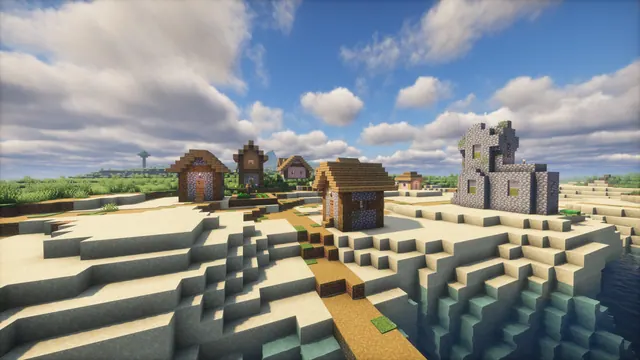
A peaceful Minecraft plains village sitting on a sandy shoreline under a bright blue sky with soft shader clouds.
This scene captures a standard 1.14 Village & Pillage plains settlement where the grass meets a sandy shoreline. Built from vanilla oak planks, logs, and cobblestone, the houses sit beneath soft shader clouds that temper the summer daylight into something surprisingly moody. If you want to recreate this view in Java Edition, locate a coastal plains biome, set your field of view low to compress the buildings against the water, and apply a shader pack that softens direct sunlight while rendering volumetric clouds.
Although the sky is blue and the sand is bright in places, the overall palette is anchored by muted, overcast tones like #404544 and #a1a3a2. Those deep charcoal and stone-grey values come from the shaded walls and textured blocks, balanced by a dusty slate blue (#6c7e8f) and warm sand (#c5beb5). Because the mood is subdued rather than garish, it pairs neatly with a dark OS theme and a #6c7e8f accent colour for window borders and taskbars.
The native file is a true 4K 3840x2160 capture, making it a sharp fit for large 16:9 desktop monitors, with stepped-down 2560x1440, 1920x1080, 1280x720, and 854x480 options for smaller screens. Vertical crops at 1080x1920, 720x1280, and 480x854 are also available for phones, though you should keep your layout minimal. Because the shader clouds, roofs, and shoreline fill the frame with texture, there are no calm areas for desktop icons or lock-screen widgets to sit without visual clutter; hiding your desktop shortcuts or using a translucent clock font is the most practical approach.
Best used as: Download the 3840x2160 or 2560x1440 file for a widescreen desktop monitor with hidden icons, or pick the 1080x1920 crop for a phone lock screen if you don't mind the clock overlapping the village roofs.








